 Talent Summoner
How to Post a Job on Google: Two Real Routes (2026)
You cannot post a job on Google directly. Get into Google for Jobs through a job board that feeds it, or JobPosting markup on your site, with a JSON-LD example.
 By Derek Chau · Published · in Tools & Pricing
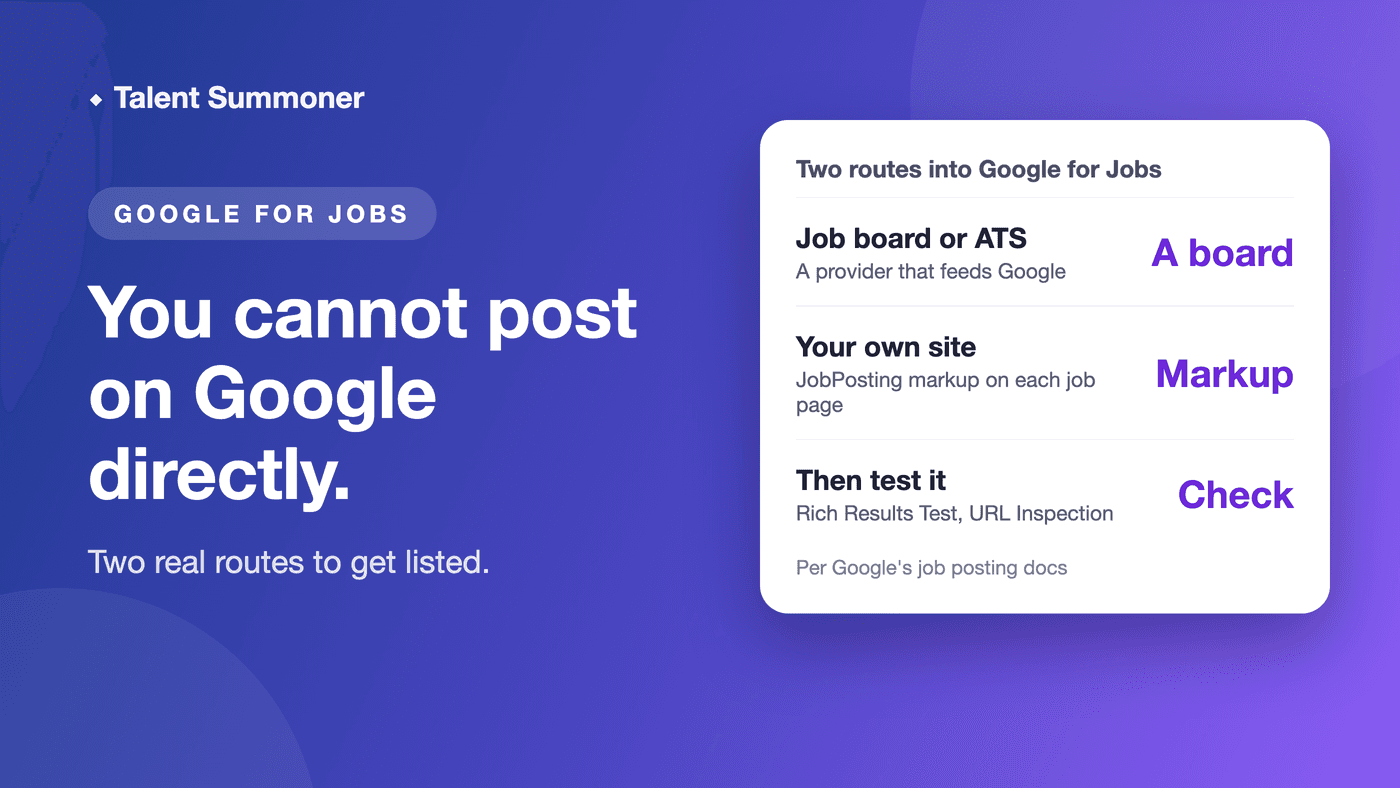
You cannot post a job directly on Google, because Google for Jobs collects listings from other sites. You get on it through a job board that feeds Google, or by adding JobPosting structured data to your own site.
We build Talent Summoner, which does not post jobs: it searches public profiles and returns a ranked shortlist, with the reasoning behind each match. Your first Role is free, with no card.
Posting a few roles and want the quickest route? Use a board.
Have a careers page you control? The markup route is below, with code to copy.
How do you get a job on Google?
Google's own job-search page lists two options: post through a third party, or add job posting structured data yourself. Either route only makes a job eligible to show.
| Route | How the job reaches Google | Cost | Effort | Catch |
|---|---|---|---|---|
| Job board or ATS (applicant tracking system) that feeds Google | The provider integrates with Google; you post as usual | The provider's price; Workable offers a 15-day free trial | Fill in the provider's form | Only works if the provider takes part |
| JobPosting data on your own site | Google crawls your job page and reads the markup | Developer time; Google's docs list no fee | Edit each job page's HTML, plus upkeep | One page per job, and you must expire it |
What is Google for Jobs?
It is a search feature, not a job board. Google's page says it brings together job postings from across the web, from small business sites to large job sites.
Route 1: post through a board that feeds Google
Google tells employers who use a third party to check whether their provider already takes part. Google's page features ZipRecruiter as a case study of a site that took part.
Workable's page says its free trial posts to Google, Glassdoor and other boards.
Breezy's guide says posting through Breezy gets a role found in Google for Jobs, with a 14-day free trial. For other free sites, see our list of free job posting sites.
Route 2: add JobPosting markup to your own site
Follow these steps, as set out in Google's job posting documentation:
- Give each job its own page, with the full description visible and no login needed. Do not mark up pages that list many jobs.
- Add the required properties: title, description, datePosted, hiringOrganization and jobLocation.
- Add validThrough if the job expires, and directApply if people can apply on the page.
- Test the page, then ask Google to crawl it.
- When the job closes, remove the page or the markup, or set validThrough in the past.
Here is a short example. Replace each value with your own job's details, and keep the description complete.
<script type="application/ld+json">
{
  "@context": "https://schema.org/",
  "@type": "JobPosting",
  "title": "Office Manager",
  "description": "<p>Run day-to-day operations for a 12-person team.</p><ul><li>Manage suppliers and invoices</li><li>Plan onboarding for new hires</li></ul><p>Qualifications: three or more years in an office role, with strong spreadsheet skills. Education: high school diploma or equivalent. Hours: Monday to Friday, 9 to 5.</p>",
  "datePosted": "2026-11-04",
  "validThrough": "2026-12-04T00:00",
  "employmentType": "FULL_TIME",
  "directApply": true,
  "baseSalary": {
    "@type": "MonetaryAmount",
    "currency": "USD",
    "value": {
      "@type": "QuantitativeValue",
      "minValue": 60000,
      "maxValue": 70000,
      "unitText": "YEAR"
    }
  },
  "hiringOrganization": {
    "@type": "Organization",
    "name": "Example Co",
    "sameAs": "https://www.example.com"
  },
  "jobLocation": {
    "@type": "Place",
    "address": {
      "@type": "PostalAddress",
      "streetAddress": "100 Main St",
      "addressLocality": "Austin",
      "addressRegion": "TX",
      "postalCode": "78701",
      "addressCountry": "US"
    }
  }
}
</script>
Put the block in the page's HTML. Fully remote jobs need jobLocationType set to TELECOMMUTE and applicantLocationRequirements, which makes jobLocation optional, and the description must say the job is 100% remote.
How do you test the markup?
Run the live page through Google's Rich Results Test, which Google's documentation names for validating the code. Then use the URL Inspection tool in Search Console to see how Google reads the page.
Allow time: Google says it may take several days after publishing for it to find and crawl a page. For job pages it recommends the Indexing API, because it prompts a crawl sooner, plus a sitemap for the whole site.
When is each route wrong for you?
- Markup is wrong if your jobs sit behind a login, on list-only pages, or you have no one to edit the site. Google's docs say a CMS (content management system) plugin may be easier.
- A board is wrong if you want the job on your own site only, or your provider does not take part.
- Google at all is wrong if you need senior or niche people. In our view they are often employed and not searching, so a listing may not reach them.
Where Talent Summoner fits
Candidate sourcing searches LinkedIn, GitHub and other public sources, over 200 million profiles, and ranks people against your must-haves and nice-to-haves.
When you reach out, it drafts each message. It sends from your own Gmail, Outlook or LinkedIn after you review each message and confirm the send.
Prices as of 4 November 2026: your first Role is free, then US$29 per Role. For steady hiring, Pro is US$59 a month for 10 Roles (unused Roles do not carry over) and Unlimited is US$299 a month for up to 4 people, plus US$59 per extra person (pricing).
Trade-offs, stated plainly: no LinkedIn InMail, no always-on pipeline and no ATS integration today. It is not a job board, does not search resumes and does not post jobs to Google or anywhere else.
For paid job-board prices, see Indeed job posting cost and LinkedIn job posting cost. To make your own careers page worth finding, see the careers page checklist.
We checked these facts on 4 November 2026 and re-check them every quarter.
Google's behaviour comes from its job posting documentation and job-search page; board details come from each board's own page.
FAQ
Can you post a job directly on Google?
No. Google's job-search page gives two options: use a third-party provider that takes part, or add job posting structured data to your own site.
What is the easiest way to get a job on Google for Jobs?
Post through a board or ATS that feeds Google, such as Workable, which says its trial posts to Google. Check that your provider takes part before you pay.
What is JobPosting structured data?
It is code on a job page that tells Google the job's title, description, date, employer and location. Google lists title, description, datePosted, hiringOrganization and jobLocation as required.
How do I test a job posting on Google?
Run the page through the Rich Results Test, then check it with the URL Inspection tool in Search Console. Both are named in Google's documentation.
How long does a job take to show on Google?
Google says it may take several days after publishing for it to find and crawl the page. Using the Indexing API for job URLs prompts a crawl sooner.
Does it cost anything to add job markup to Google?
Google's job posting documentation lists no fee for adding the markup. Your cost is the developer time, or a board's price if you use one.
Want people who will never search Google for your job? Start one Talent Summoner search free and compare the shortlist with your applicants.